Product Parsing
Read titles, main images, specs, selling points, detail page content, and platform context.
 AeaosAI Product Content Platform
Product Image Set
Aeaos combines product parsing, visual style direction, selling-point image generation, and platform sizing into one workflow for hero images, lifestyle scenes, detail graphics, and ad creatives.
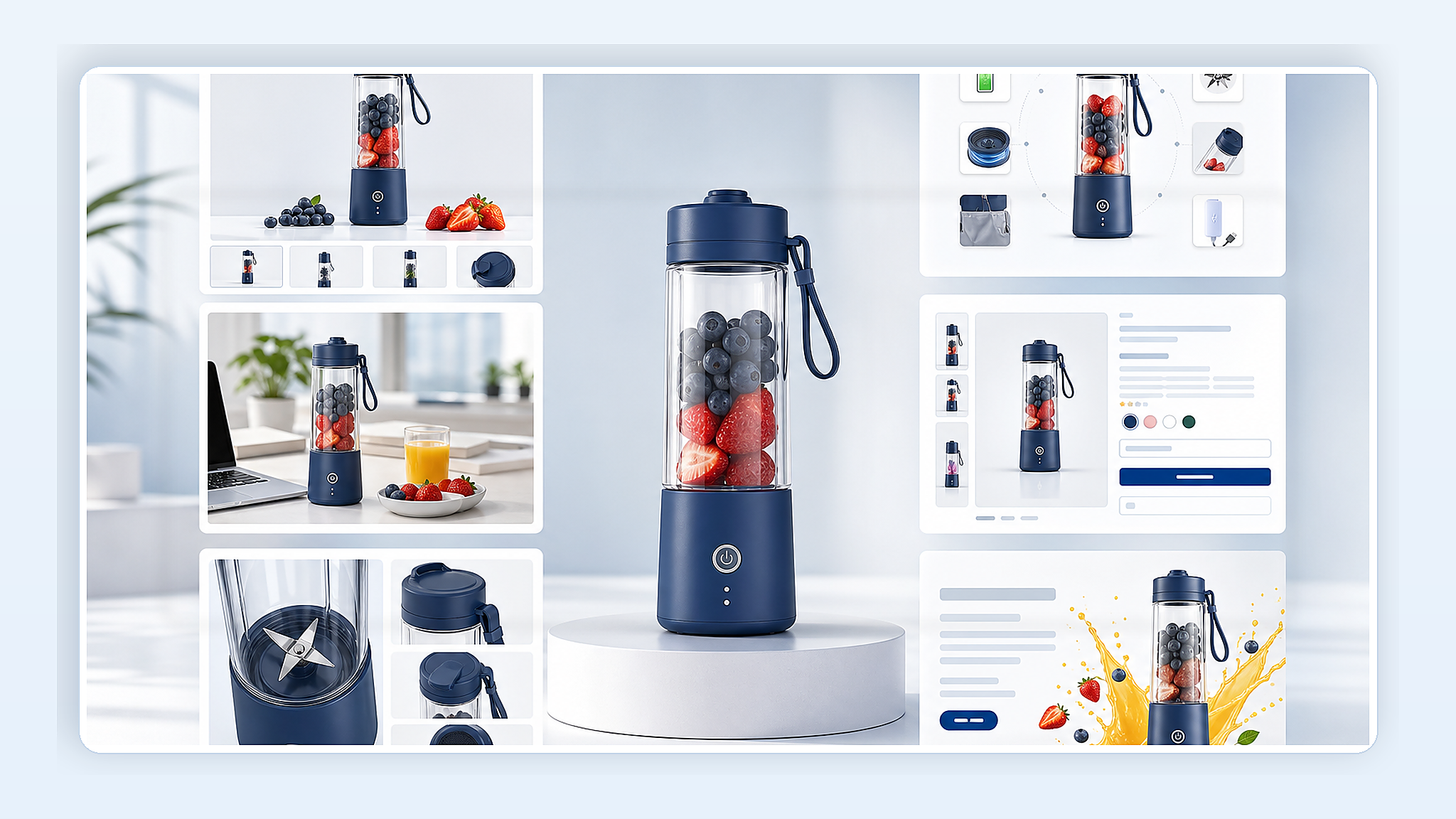
Product images, materials, specs, scenarios, and benefits parsed
Workflow
Understand the product first, define a consistent style, then export platform-ready image sizes.
Read titles, main images, specs, selling points, detail page content, and platform context.
Define color tone, background, scene, brand feel, and platform constraints.
Create hero images, lifestyle scenes, benefit graphics, detail images, and banners.
Add copy hierarchy, image-text structure, detail focus, and comparison framing.
Export sizes for Amazon, Shopify, storefronts, ads, and social media placements.
Outputs
Show the product body, material, and form for listings and first-screen detail pages.
Place the product in real home, office, outdoor, gifting, or usage contexts.
Explain features, comparisons, specifications, and buying reasons with image-copy layouts.
Create banners, social ads, and landing page visuals with a consistent product look.
Business Results
Reduce repetitive design work, align visuals, and support multi-platform sizing.
Hero, scene, benefit, and ad images reduce gaps on product pages.
Generate around one style, color system, and benefit hierarchy.
Export square, vertical, horizontal, and detail formats from the same product assets.
Control
Control style, image type, ratio, and copy density so the set feels unified.
Use Cases
Create hero, benefit, and detail assets for faster launches.
Clarify use cases, specs, and product value with stronger visual explanations.
Generate different creative directions and sizes for testing.
Export image specs for Amazon, Shopify, storefronts, and social media.
Cases
Generate hero, detail, and support images around the product body, benefits, and scenarios.
Turn parameters, usage steps, advantages, and scenes into clearer image explanations.
Prepare layouts for storefronts, social ads, and platform activities.
Next Step
Start with a product URL, or return to products to see how image sets combine with product videos, prompt videos, and AI scripts.