Enter Prompt
Describe the product, scene, style, channel, duration, and core message.
 AeaosAI Product Content Platform
Prompt To Video
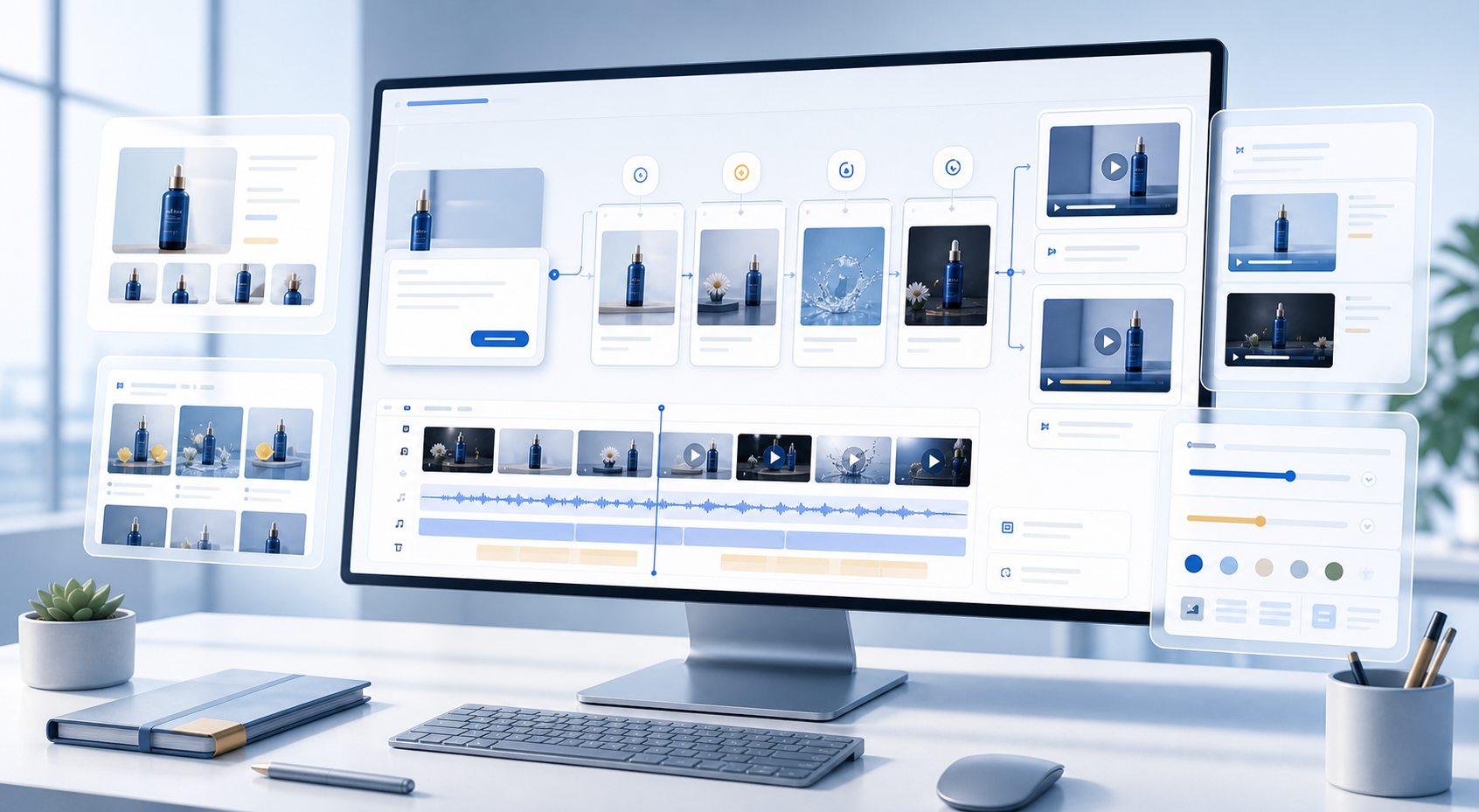
Aeaos combines creative prompts, scene direction, shot planning, and video generation so teams can quickly explore ad concepts, campaign content, and short-form video directions.
Summer launch, portable blender, outdoor use, bright and fresh, 15-second video
Workflow
Structure the idea first, generate shots and drafts next, and help teams judge the direction earlier.
Describe the product, scene, style, channel, duration, and core message.
Identify audience, visual mood, video purpose, and message priority.
Break the video into opening, body, usage demo, and closing call to action.
Create a previewable video draft from the prompt and shot plan.
Adjust style, duration, ratio, and captions to create campaign-ready versions.
Outputs
Create drafts for internal review, creative testing, and campaign direction decisions.
Keep scene notes, visual priorities, and rhythm suggestions for each segment.
Generate subtitles, titles, and descriptions based on channel and language needs.
Generate different styles and rhythms from the same prompt for comparison.
Business Results
Validate creative directions before formal production, shooting, or media investment.
Use prompts to generate early video drafts for reviewing style, scene, and rhythm.
Create different styles, durations, and narratives from the same campaign theme.
Give operations, brand, and video teams something concrete to review.
Control
Control style, duration, aspect ratio, tone, and shot type so prompt generation fits business needs.
Use Cases
Generate multiple directions so media teams can decide what deserves deeper work.
Create drafts around holidays, promotions, launches, and seasonal themes.
Produce lightweight drafts for TikTok, Reels, Shorts, and similar channels.
Review visual language before shooting or investing in production.
Cases
Generate reviewable video directions around a campaign theme, product scene, and channel style.
Test conversion, lifestyle, and brand story expressions with different prompts.
Help brand teams see the idea before deciding whether to shoot or produce it.
Next Step
Try a prompt-generated video draft, or return to products to combine it with product videos, image sets, and AI scripts.