Enter Product Info
Add benefits, price range, use cases, audience, and differentiators.
 AeaosAI Product Content Platform
AI Script Generation
Aeaos structures product information, target audiences, channels, and content goals into hooks, voiceover copy, shot plans, and publishing titles so teams can plan videos faster.
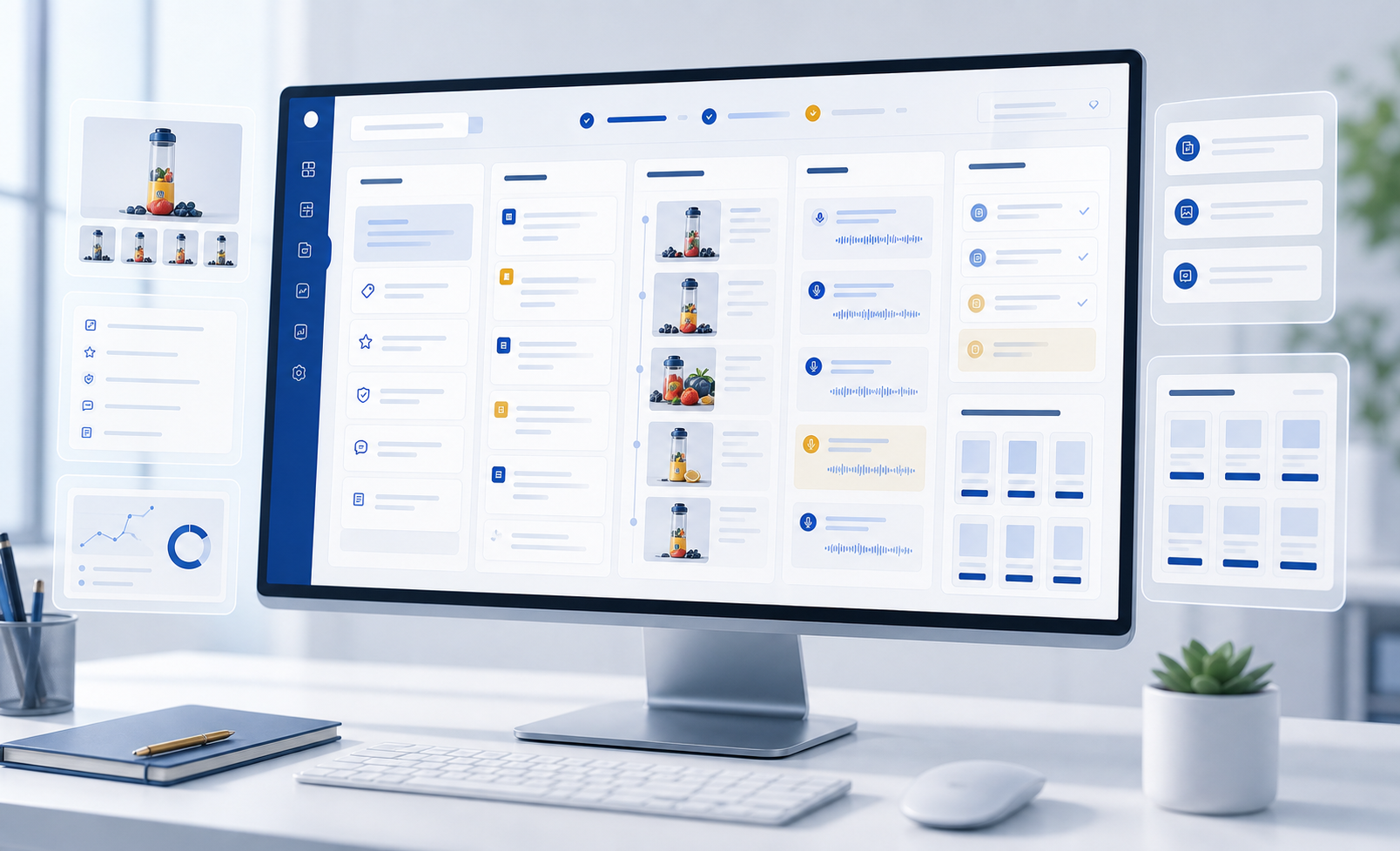
Product benefits, audience, platform rhythm, video length, conversion goal
Workflow
Plan content faster by understanding the product and audience first, then organizing script structure, shots, and publishing copy.
Add benefits, price range, use cases, audience, and differentiators.
Organize pain points, proof, user value, and possible opening hooks.
Adjust rhythm for TikTok, YouTube Shorts, Reels, or storefront content.
Output voiceover, visuals, captions, and suggested timing for each shot.
Create titles, descriptions, tags, calls to action, and editable script variants.
Outputs
Include opening, benefit expansion, use cases, proof points, and calls to action.
Natural copy for creators, AI dubbing, or subtitle-first videos.
Shot order, visual focus, caption notes, and suggested duration per section.
Titles, video descriptions, tags, and conversion-focused CTA copy.
Business Results
Bring product benefits, audience, scripts, and publishing copy into one shared expression.
Generate hooks, voiceover copy, shot plans, and CTAs without starting from a blank document.
Teams collaborate around one benefit structure and script instead of fragmented notes.
Use a consistent structure across multiple SKUs, channels, and language versions.
Control
Control structure, tone, duration, platform rhythm, and conversion goals for real content production.
Use Cases
Generate scripts that can be shot, dubbed, or converted into video assets.
Align operations, video, design, and media teams around product messaging.
Prepare scripts for many SKUs, channels, and language needs.
Create multiple angles around audiences for creative testing.
Cases
Generate hooks, voiceover copy, and shot notes from benefits, audience, and channel.
Prepare scripts for on-camera creators, AI dubbing, or creator collaborations.
Create pain-point, feature, scenario, and promotion scripts for testing.
Next Step
Generate reviewable scripts and storyboards first, then move into product videos, prompt videos, or team workflows.